How to Watch PPV Events on EVDTV in the United States
Viewers across the United States can access select Pay-Per-View programming through legitimate digital services. YouTube currently offers individual tickets for certain music performances, comedy shows, and other live broadcasts. This gives fans a simple way to enjoy a favorite event from home.
Start by searching YouTube with the event name or artist’s name. After selecting an available listing, review the details, complete payment, and use the provided viewing link when the program begins. Authorized access supports steady playback, clear video, and fewer interruptions.
This guide explains how to view purchased programming through a computer, phone, tablet, or television. You can choose the device that fits your routine and internet setup. With the right steps, the entire experience stays clear, convenient, and secure.
Key Takeaways
- YouTube offers select Pay-Per-View programming in the United States.
- Search by the event title or performer’s name.
- Buy access through the authorized listing.
- Use a computer, phone, tablet, or television.
- Legitimate access can improve picture quality and playback.
Understanding PPV Events on EVDTV
American viewers can find a broad range of paid broadcasts through approved digital platforms. Availability depends on location, channel, and event rights, so review the listing details before buying.
Sports, Concerts, Music, and Special Events Available
Sports fans may find boxing, UFC MMA, and WWE matches such as WrestleMania, SummerSlam, and Royal Rumble. Music audiences can discover concerts or festival coverage linked with Coachella and Glastonbury.
Special programming also spans League of Legends, Counter-Strike: Global Offensive, and Dota 2 tournaments. Fashion shows, cooking masterclasses, interviews, comedy specials, theater, and film premieres add more variety. YouTube is testing this service with a small number of pre-selected channels, so the events available may change by market.
Why Legitimate Access Improves Your Viewing Experience
Authorized access can deliver HD or 4K video, stable playback, and dependable customer support. It also provides a safer way to view a broadcast while helping creators, athletes, and performers earn fairly.
“A trusted source protects both the viewer and the people who make the show.”
Unofficial streams may bring malware, data theft, legal risk, poor quality, and sudden interruptions. Choosing a verified service creates a smoother experience from purchase through the final scene.
Prepare Your EVDTV Access and Device
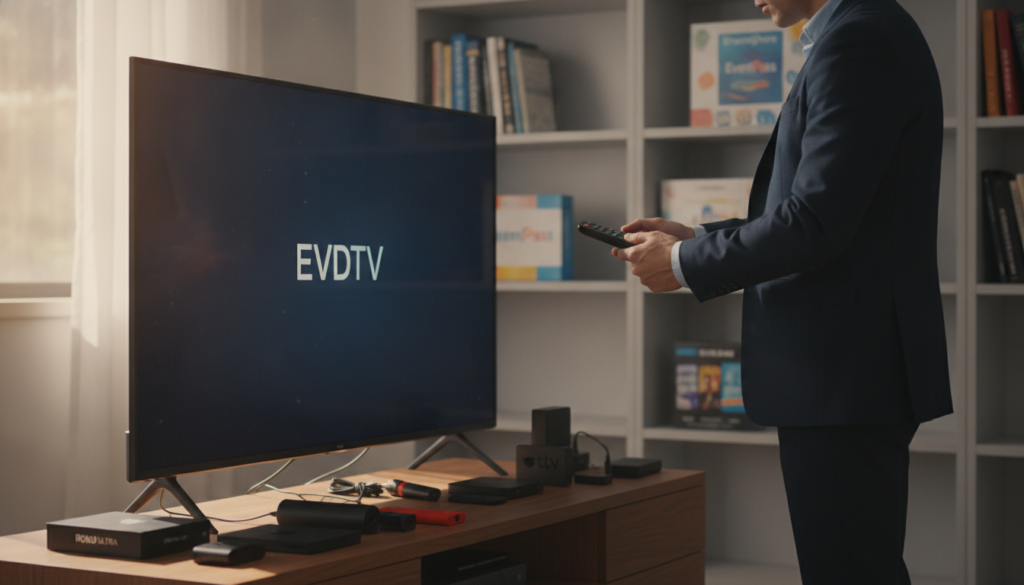
Before buying a ticket, set up the account and screen you plan to use. This quick check can prevent delays when the broadcast begins. A prepared device gives you a smoother way to view paid programming.
Check Your Subscription, App, and Internet Connection
Sign in to the Google Account that will purchase the event. Then update the YouTube app and test your phone, tablet, computer, or TV. Check the display, sound, and login details before the start time.
Stable internet service matters because live video needs a steady connection. Close extra programs, pause large downloads, and use a trusted Wi-Fi network when possible. A quick speed check can show whether your connection is ready.
- Sign in to YouTube with the correct account.
- Open the listing and select “Buy ticket.”
- Follow steps in the payment prompts.
- Confirm the number of devices you may use.
Purchased programming works through a computer, phone, tablet, or television. For TV access, use the same email address linked to the purchase. This simple match helps avoid access trouble at showtime.
Find and Purchase a PPV Event
Finding the right broadcast takes only a few careful checks. YouTube lets viewers search by an event name, artist name, or official channel. This approach helps fans locate legitimate PPV events across sports, music, and entertainment.
Search by Event Name, Artist, or Channel
Enter the exact title or performer’s name in YouTube search. Review the channel profile and look for a verified listing. This step can separate official events from misleading copies.
Review Event Details, Availability, and Pricing
Check United States availability, the start time, device support, and listed price before choosing a ticket. Read the event details carefully, including replay access and viewing limits. The range of events available may differ by location.
Complete Your Purchase Through an Authorized Service
Sign in to the correct Google Account, select “Buy ticket,” and follow steps shown by YouTube. After payment, check your email for a receipt and viewing link. If the message does not arrive, open your profile and select “Purchases and memberships.”
- Use a verified listing.
- Confirm the price and start time.
- Avoid unauthorized sellers, malware, legal risks, poor quality, and sudden shutdowns.
Watch Your PPV Event Live
The final step is simple: open the access message, choose its watch link, and reach the event page before the scheduled start. YouTube sends an email confirmation with the viewing link after your ticket purchase.
You may also receive a device notification when the live stream begins. A matching alert appears inside the YouTube app. Enter the page early, review the viewing details, and wait for the broadcast to begin. Repeated refreshing can create extra delays.
A computer, phone, or tablet supports a flexible viewing experience. You can also search the event name directly through a compatible television. For a larger screen, cast from your phone, computer, or tablet to a Smart TV.
“A ready screen and steady connection help keep your viewing simple.”
The host may enable live chat before or during the stream. If chat is available, follow YouTube Community Guidelines and keep your comments respectful. For playback or account questions, use official YouTube support.
Troubleshoot PPV Streams and Access Problems
Small access issues can delay a live broadcast, but most have simple fixes. Start with your internet connection if YouTube shows “Please check your network connection (Retry),” “Error loading. Tap to retry,” or “An error has occurred.”
Check Your Account and Browser Settings
Confirm the number and identity of the Google Account used for payment. Then review your profile under “Purchases and memberships.” A missing charge may point to another account, a declined payment, or an incomplete purchase.
If the event link is missing, search YouTube by its name. You can also check “Your movies” within the correct account. For browser playback, enable JavaScript through Settings, Preferences, or Internet Options.
- Restart the router and close extra apps.
- Refresh the page after confirming account access.
- Check Xfinity or Comcast service notices in 2026.
- Contact official YouTube support if payment remains unclear.
“Check the account first, then test the connection.”
These steps often restore reliable PPV viewing without a new purchase.
Conclusion
Finding legitimate ppv events in the United States starts with a verified YouTube listing. Check regional access, price, start time, replay terms, and device support before you buy. After payment, YouTube sends a confirmation email and may deliver a device alert when the event begins.
Use the same Google Account that made the purchase across your computer, phone, tablet, or television. This match helps protect access and keeps viewing options clear. Authorized PPV access offers steadier playback and better security than risky streams that may bring malware, legal trouble, or sudden service loss.
If playback fails, test your network, review account details and purchase status, then enable JavaScript in your browser. These quick checks can help you return to the program with less stress.